Where the products are, and how to get one priced
There is no catalogue. You bring the product, we price it.
There is no catalogue to browse, and that is the point
If you have used other platforms, you expect a grid of products to scroll through and import. Peregrine does not work that way.
You bring the product. We source it, price it and ship it.
Anything you can find, you can sell. A link from any marketplace, a competitor's listing, a photo, a product you already sell and want quoted better. You are not limited to a list somebody else curated, and you are not competing with every other seller who imported the same twelve items this week.
There are two ways to get a price. One is instant, one goes to a person.
Fastest: match it automatically
The Dropshipping Calculator matches a product against our supplier network and gives you a landed cost. Most matches come back in under 20 seconds.
- Open Dropshipping Calculator.
- Paste a product page link, upload a photo, or pick something already in your catalogue.
- Choose the market you sell into.
- Press Calculate Landed Cost.
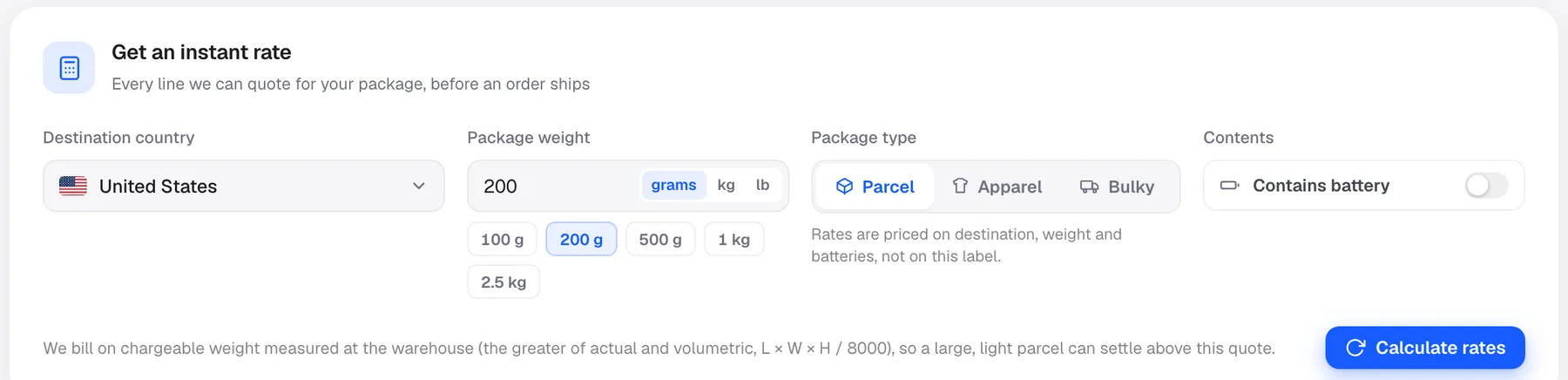
One product at a time. A photo or a catalogue product is matched by image, so a clear photo works even with no link at all.
Results you want to keep go to Saved quotes, so you can compare products without redoing the work. There is also an Order Simulator mode for modelling a full order rather than a single item.
Do not be put off by the word calculator. This is the fastest route from "I found a product" to "here is what it costs me landed".
When to use Quotation instead
Use Quotation when the automatic match will not do it:
- Nothing came back, or the match is not the product you meant
- You want a specific material, size or variant that a photo cannot convey
- You are making something custom rather than sourcing something that exists
- You want a person to look at it before you commit real volume
That request goes to the sourcing team and comes back with a human-checked price.
How to request a quote
- Open Quotation in the sidebar.
- Press New Quote Request.
- Add the product link, or a photo and description if you do not have a link.
- Say which country you sell into most.
- Submit.
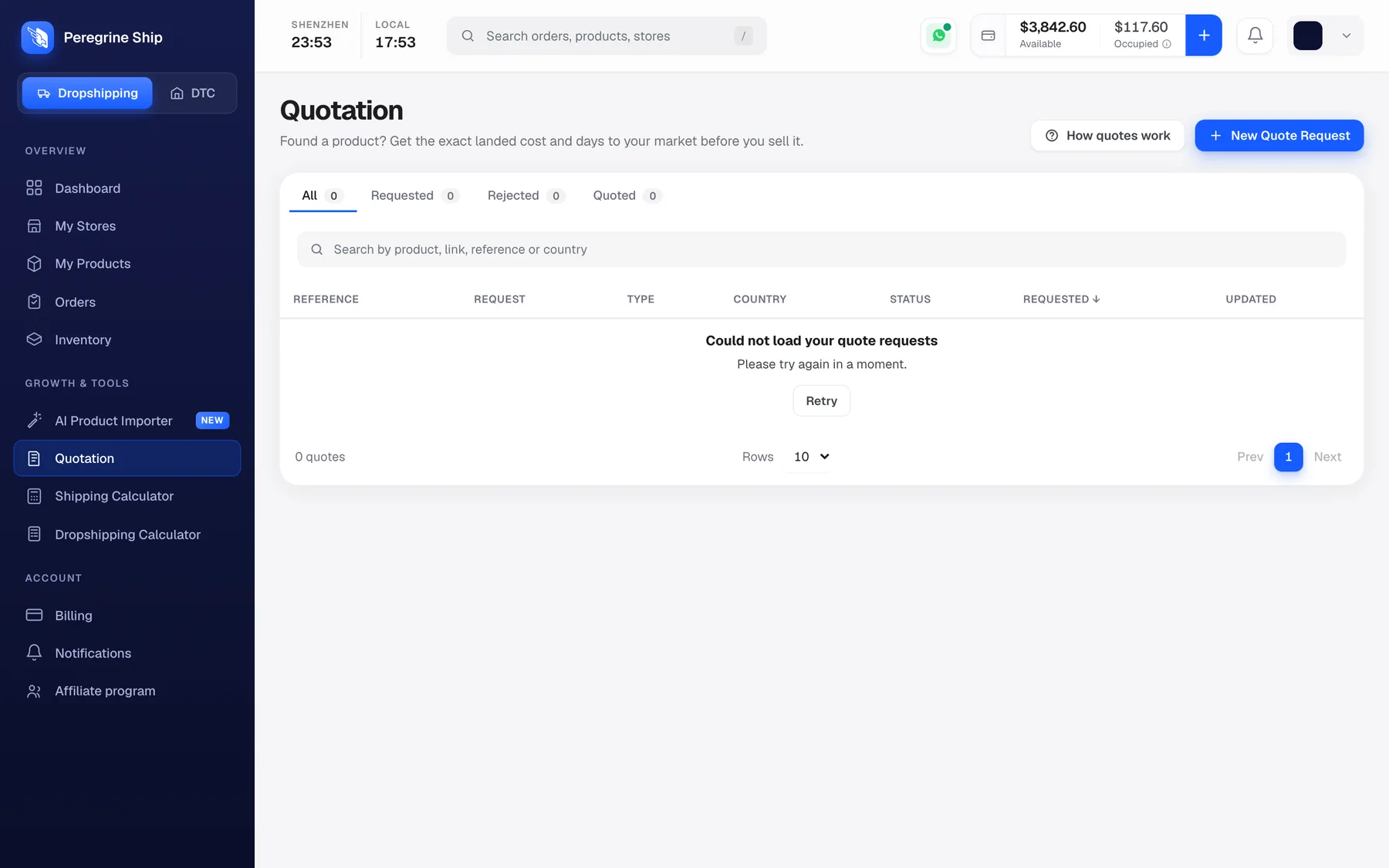
What comes back is the landed cost: the product, plus shipping to your market, plus the days it takes to get there. That is the number you price against.
Track your requests
The Quotation screen lists every request with four tabs.
| Tab | Meaning |
|---|---|
| All | Everything you have asked for |
| Requested | With us, being priced |
| Quoted | Price is back, ready for you |
| Rejected | We cannot source it, with the reason |
Search by product, link, reference or country.
What to send
The more specific you are, the more accurate the price.
Always useful: a link, or clear photos from more than one angle. The size or variant you want. Rough monthly volume, even a guess, because it changes the price.
Useful if you have it: a target cost, materials, dimensions, and which market you sell into.
You do not need a factory contact, a spec document, an import licence or a company. A link and a sentence is a valid request. Sending a marketplace link is completely normal and it is how most requests start.
What we cannot source
Two rules, and it is better to hear them now than after you have built a campaign.
Products that are not really made in China. Real alpaca is the clearest example. It is a South American fibre, so a Chinese factory offering alpaca is selling a synthetic blend. We will tell you that rather than quote you a lookalike and let you sell it as the real thing. If you only want the look, wool, cashmere and acrylic blends are genuinely good and we can quote those.
Destinations without a line. We ship to 65+ countries, but a few are closed. Turkey and the Canary Islands have no line at all. Northern Ireland is deliverable but only on a separate, much more expensive channel, so it gets quoted on its own.
If you sell into any of those, exclude them from your store's shipping zones. Cheaper to prevent the order than to fix it after your customer has paid.
Reading the price you get back
The quoted price is the price. Order processing is already included. There is no separate handling fee bolted on afterwards, no setup fee and no monthly minimum. You are charged per parcel shipped, not per product listed.
Shipping is quoted on chargeable weight, so a large light item costs more than its weight suggests. Check anything bulky before you commit. See Shipping Calculator.
On price and volume: costs come down as your volume grows and stays steady. It is a real conversation to have once you are shipping consistently, not a discount you have to negotiate on day one.
Samples
You can ask for a sample before committing to volume. Request it the same way, through Quotation or by asking support directly. Worth doing on anything where the material or the finish is the reason someone buys it.
Frequently asked
Can I really just send an AliExpress link? Yes. Most requests start that way.
Do I need to buy stock up front? No. Sourced per order by default. Holding stock is an option later, and it makes fulfilment faster, but nothing requires it.
I have my own supplier already. Can you use them? Yes. Send us the details and we can work with a factory you have found.
Can I get product photos and video? Yes. Real photos, and video sourced from the factory. Ask when you request the quote.
Nothing has come back yet. Check the Quotation list first, then message support. Do not resubmit, or you will end up with two requests for one product.
Still need help?
Real humans on every reply. Average response under 2 hours during business hours.