Your profile and settings
Your email, password and business details.
Where it is
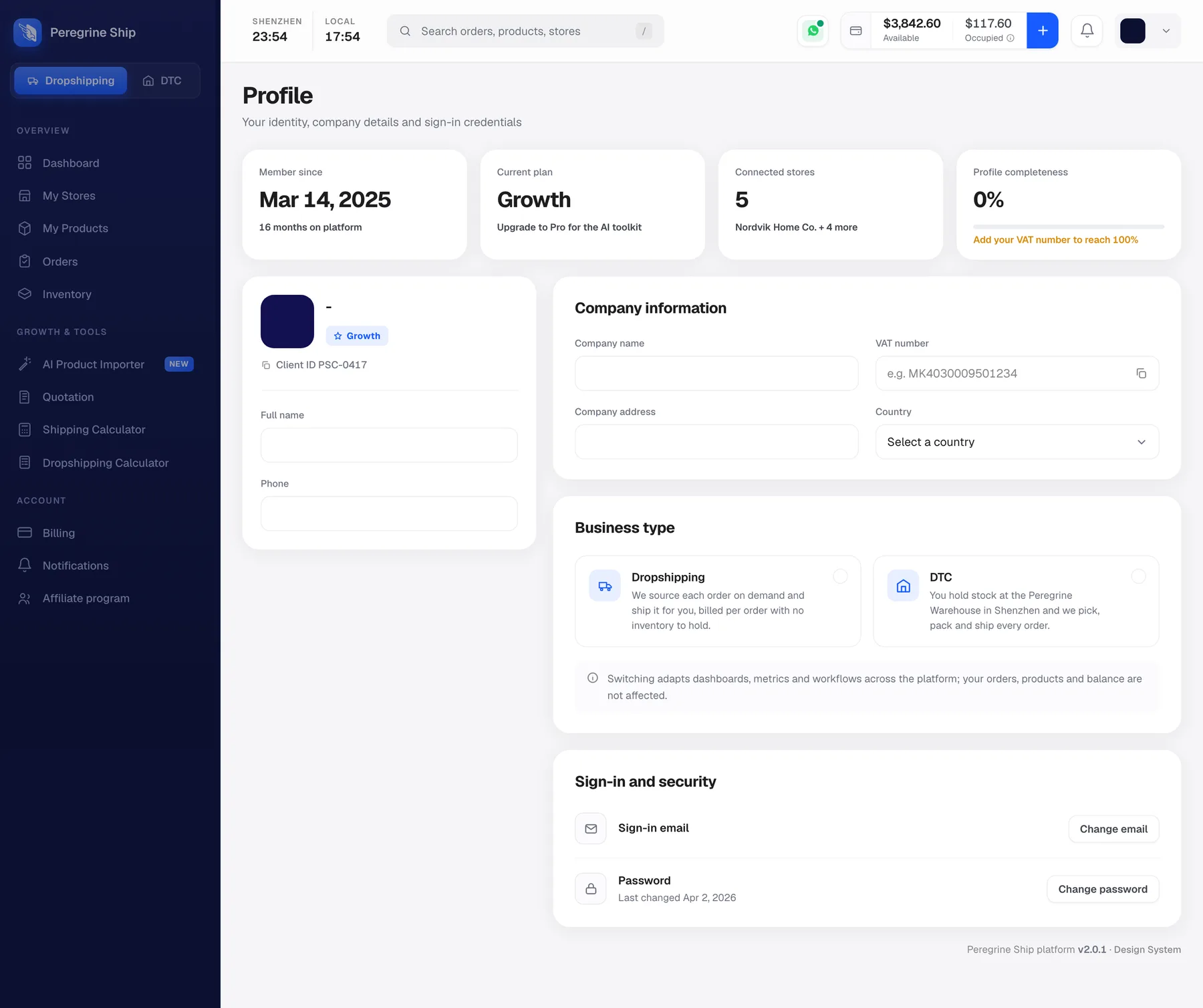
Your avatar, top right, then Profile. Or Profile from the account area.
Keep your email current
The most important field on the screen, and the one nobody thinks about.
Billing and top-up alerts go to this address. Low balance is the alert that stops orders stalling, and it reaches you by email rather than only in the app. Most other alerts appear in the bell, so if you are not in the app you will not see them.
If your email changes, change it here first. SeeNotifications.
Your password
Change it from Profile.
Two things worth doing, given this account holds a funded balance and can move money:
- Use a password you do not use anywhere else.
- Do not share the login. If more than one person needs access, talk to us rather than passing the password around, because there is no way to remove one person's access without changing it for everyone.
Business details
Company details and tax information live here. Fill them in if you have them, even if nothing depends on it today. When you later ask for paperwork, or your accountant does, having it already recorded saves a round trip.
Frequently asked
Can I change my email? Yes, from Profile. Will changing my email move my notifications? Yes, that is where they go. Can I add a second user? One login per account today. If more than one person needs access, talk to us first rather than sharing the password. I forgot my password. Use the reset on the login screen. Can I close my account? Ask support. No minimum contract, cancel at any time. Can I change my fulfilment type? Use the Dropshipping and DTC switch. SeeDropshipping mode and DTC mode.
Still need help?
Real humans on every reply. Average response under 2 hours during business hours.