Cancelling an order
What can still be stopped, and what happens to the money.
Speed is the whole thing
Your order is moving through a pipeline. What can be stopped depends entirely on where it has got to, and the earliest stages move in hours.
If a customer cancels, act immediately. Not at the end of the day. The difference between ten minutes and two hours is often the difference between stopping the order and owning the item.
What can be stopped, by status
Check the status on the Orders screen first. See What each order status means.
| Status | Can it be stopped |
|---|---|
| Processing | Yes, straightforwardly |
| Sourcing | Usually, if you are quick. The item may already have been bought |
| Waiting for Fulfill | Sometimes. The item is here and the parcel is queued |
| Fulfilled | No. Packed and handed over |
| Shipped | No. In transit |
Once a parcel is with the carrier it cannot be recalled. At that point your options are on your side: let it deliver and handle it with your customer, or refuse delivery, which is slow and unreliable.
Cancel it
- Open Orders and find the order. Search by order number, customer name or product.
- Open it and cancel.
- If the order is already in Sourcing or later, message support at the same time. Do not rely on the cancellation alone catching it in time.
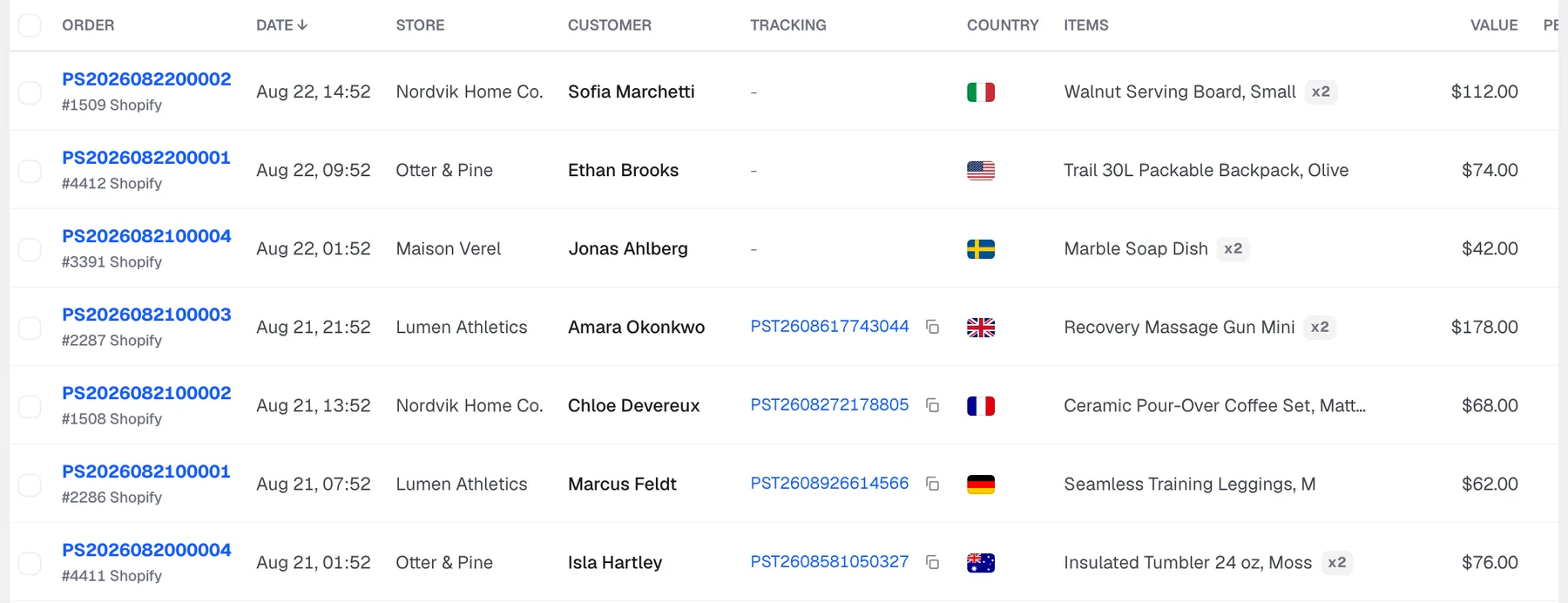
Sending the order number to support in parallel costs you ten seconds and is the step that actually catches a fast-moving order.
The money
Money held against a cancelled order is released back to your available balance. Sourcing hold, shipping hold, both.
You are not charged for an order that never shipped. The release shows on the Billing screen under Holds and releases. See Available and Occupied.
If the item was already bought, the cost may not release in full. Tell us and we will tell you where it stands rather than leaving you guessing. This is why speed matters: it is not a policy question, it is whether the money has already left.
Cancelling in Shopify
A cancellation in your store syncs across. Even so, if the order is live and moving, message us too. The sync is not instant, and instant is what you need on an order in Sourcing.
Do not place a replacement first
If a customer wants a different variant, cancel and confirm the cancellation before creating the new order. Placing the replacement first is how one customer ends up with two parcels, and you pay for both.
Ask support if you are unsure whether the first one is stopped.
Frequently asked
My customer cancelled a minute after ordering. Cancel now and message support. Almost always catchable.
The order says Shipped. Anything I can do? Not on our side. Handle it with your customer.
Do I get the shipping cost back? If it did not ship, yes. It releases with everything else held against the order.
Can I change the address instead of cancelling? Ask support immediately with the order number. Depends how far along it is.
Can I change a variant? Cancel and reorder, once the cancellation is confirmed.
I cancelled but my balance has not moved. Check Holds and releases on the Billing screen. If nothing is there, send us the order number.
Still need help?
Real humans on every reply. Average response under 2 hours during business hours.