
Check several parcel numbers and share the right single link
Use the public tracker in batches, identify unmatched numbers, and send a buyer only the parcel link that belongs to them.
On this page
Use with AI
To check several deliveries together, collect the tracking numbers from the shipping confirmations or Orders → Tracking. Keep a private matching list of which customer order belongs to each parcel.
- Paste numbers
One tracking reference per line, up to 100.
- Separate exceptions
Other numbers lists references that did not match.
- Share one parcel
Use its own Copy tracking link and confirm the reference.
Check the batch
- Open the Peregrine parcel tracker. Paste up to 100 tracking numbers into Tracking numbers, preferably one per line. Paste just the numbers, without order notes or customers' details.
- Select Track parcel.
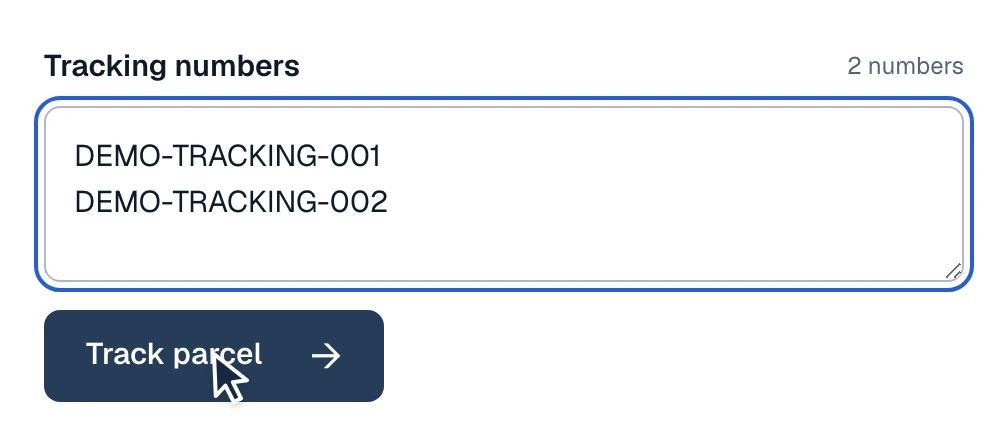
Enter one tracking number per line and check the count before Track parcel.
Read the matching parcels
Expand the matching parcel to read Latest update, Tracking history and Delivery help. Use Next or Previous if more result pages are available.
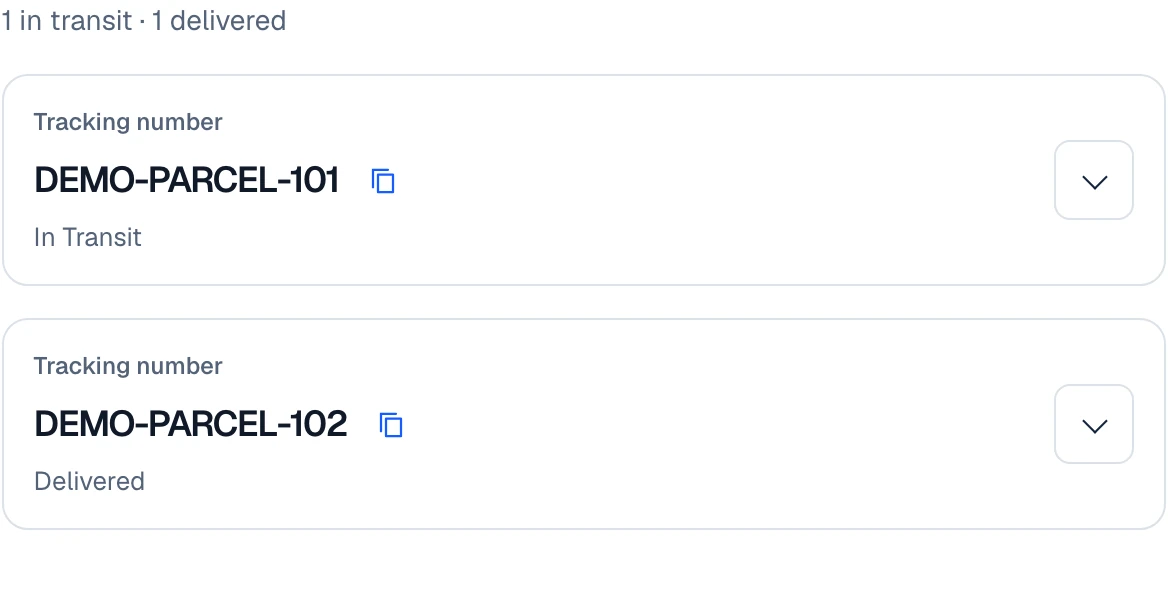
The lookup found both fictional numbers. Expand the relevant result before copying a single shopper’s tracking link.
Recover an unmatched number
If some lookups fail, check Other numbers for the unmatched references. Correct those from the shipping confirmation. A partial result does not invalidate the parcels already found.
To reply to one shopper, open that parcel and use Copy tracking link inside the record. Verify its reference and intended view before sending. The page address from a batch search can include several customers' tracking numbers.
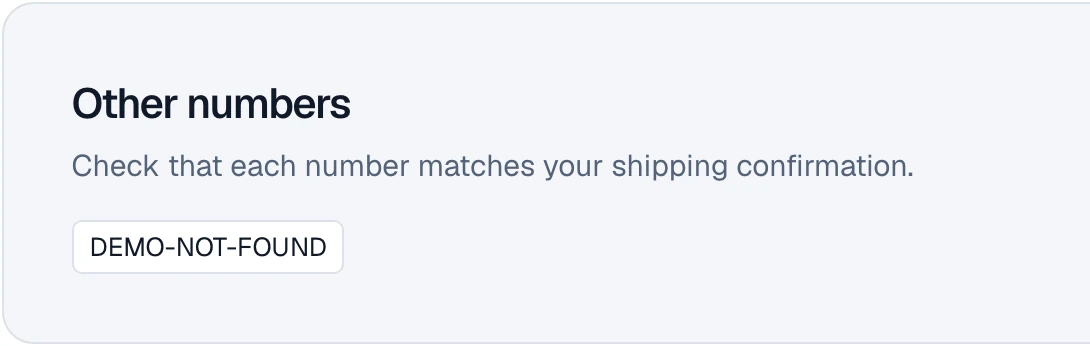
Other numbers lists the references that did not match. Compare those entries with their original shipping confirmations.
Common questions
My spreadsheet has 108 tracking numbers. Can I paste them all?
Separate them into batches of at most 100 and retain your original order-to-parcel mapping.
I pasted the same number twice. Why do I see one result?
Identical entries are deduplicated. Check the number of physical parcels before assuming a repeated reference describes two boxes.
Can I give one customer the link to a whole batch of shop orders?
Send the single-parcel link or the individually verified links for that buyer's actual boxes. Keep other customers' parcel references out of their message.