
Compare a shipping estimate with the recorded order charge
Match the same basket, delivery service and number of parcels before investigating a price difference.
On this page
Use with AI
Keep both records. The estimate describes the inputs available before packing. The order charge belongs to a particular shipment and can also include costs other than shipping.
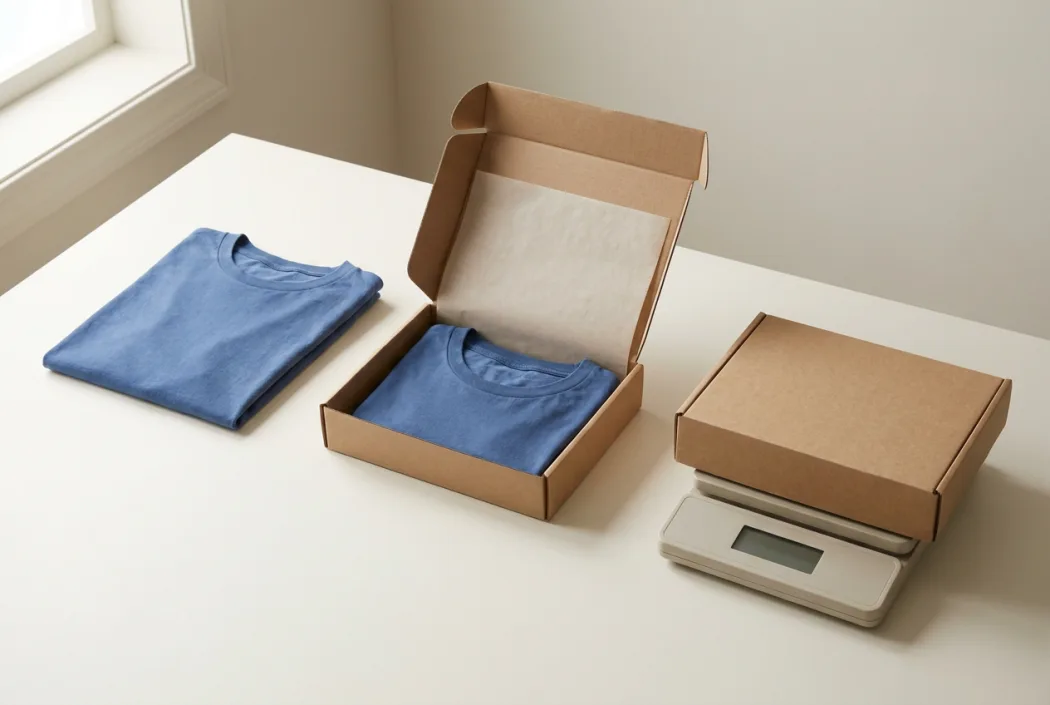
Illustration. Weigh the closed parcel with its packaging and inserts. Use the weight on your own scale and enter its unit in the calculator.
- First estimate
One item, its estimated packed weight, destination and quoted service.
- What shipped
Check whether a second unit, gift box, new service or separate parcel changed the shipment.
- Amount to compare
Use the shipping component for that order in the same currency as the estimate.
Build a like-for-like comparison
| Check | Where to look |
|---|---|
| Basket | Compare the SKU, quantity and packaging in the estimate with the packed order. |
| Destination and service | Confirm the destination, actual service and delivery area. |
| Number of parcels | One checkout can become more than one shipment. Identify each parcel. |
| Amount | Compare the same currency and the shipping component, then check the posted order movement in Billing. |
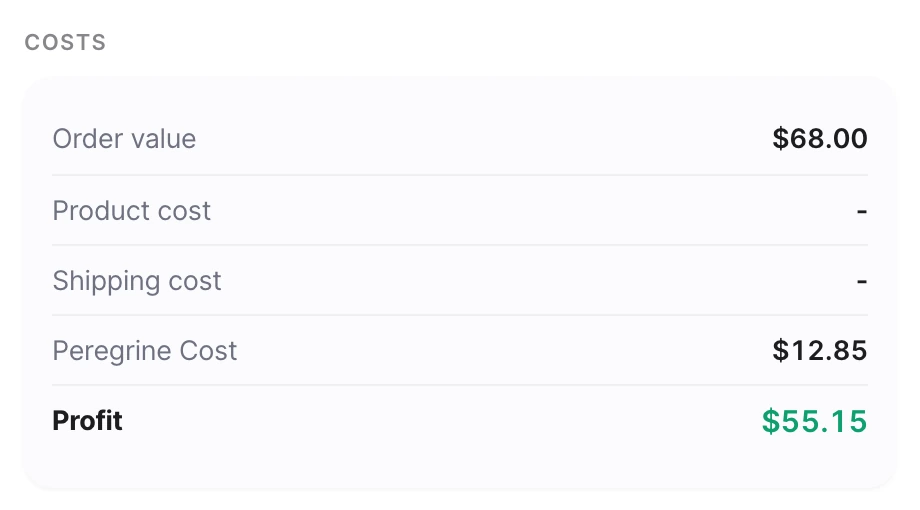
Read Peregrine Cost on the same order. If Shipping cost is blank, use the matching charge in Billing to compare the shipping amount.
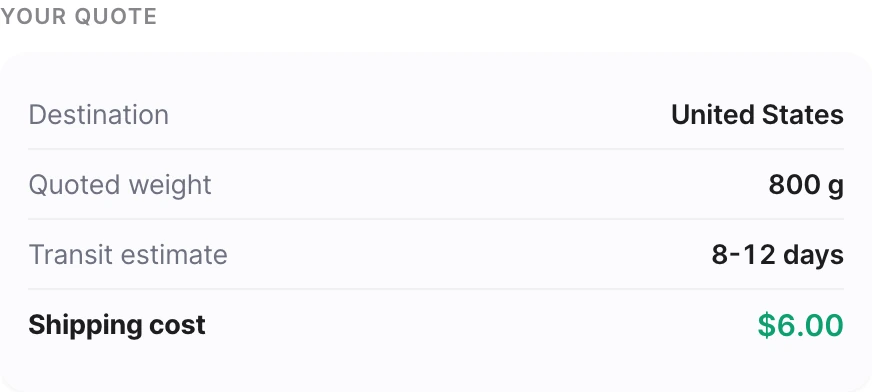
Record the quoted destination, packed weight, transit range and price. This fictional $6.00 quote is for the inputs shown.
Explain a packaging difference
A light item can need a large protective box. The calculator estimates with the weight you enter and has no dimension fields. Ask the team to review the packed dimensions, service and applicable terms when the final price differs. Keep the original quote and any confirmed changes to the basket.
Ask for review
Send the store and order references, dated estimate, destination, expected parcel count and the particular charge you want explained. Keep the case open until the amount and its reason can be reconciled. Check the first entry before paying or requesting the same adjustment again.
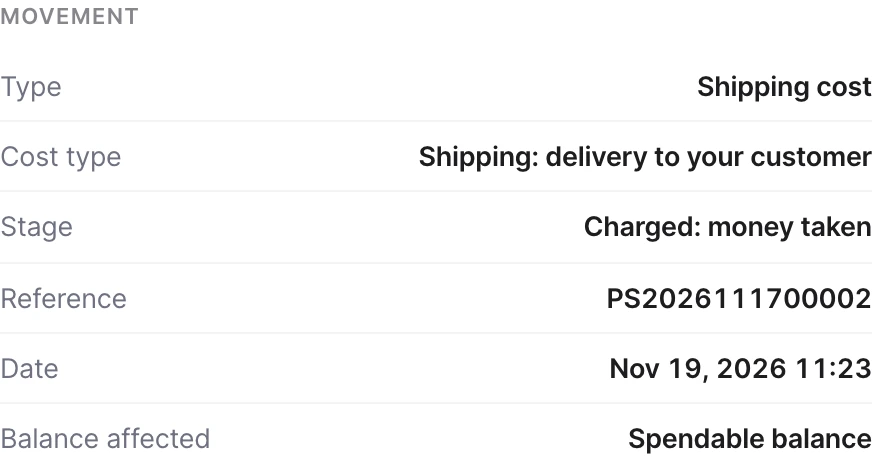
In Billing, the shipping movement identifies the posted stage and order reference. Give support the quote and the corresponding posted movement for your own parcel.
Common questions
Can I calculate a universal price from length × width × height?
The applicable pricing rules belong to the service and agreement. Supply all three measurements and the packed weight for review.
Is an occupied wallet balance the final shipping charge?
Open the order movement in Billing. An amount set aside for an order and a completed charge represent different stages.
Can I compare an invoice for a wallet top-up to a single parcel quote?
Find the particular order's charge. A top-up invoice records money added to the account and can fund multiple orders.