
Give your AI agent the right Peregrine instructions
Copy one reviewed article, look up a topic by symptom or give your agent the complete Markdown handbook.
On this page
Use with AI
If you already know the task, open its article, expand Use with AI if needed, and choose Copy Markdown. The copy includes the source URL, review date, steps, visual explanations, available walkthrough transcript and related instructions.
- One known task
Copy the Markdown from that article, including its source and review date.
- A question with no known title
Let the agent read the article index and select the closest task.
- Offline reference
Download the complete handbook and refresh it when the live instructions change.
Choose how much to share
On a phone, look below the article title and tap Use with AI. On a larger screen, look beside the article. Copy Markdown puts this guide on your clipboard. Open Markdown file gives you a link you can send to an agent.
- One article. Use Open Markdown file on the guide. Paste its text into your agent or give it the link if it can open URLs.
- Questions and answers. Give your agent the question handbook for short answers with a link back to the relevant guide.
- A question in everyday language. Give the agent the article index and ask it to choose an article by title and summary.
- An offline knowledge base. Download the complete Markdown handbook. Check the current source before using a saved copy to make a time-sensitive decision.
Open Use with AI on the article, then choose Copy Markdown or Open Markdown file to give your agent the same written guide.
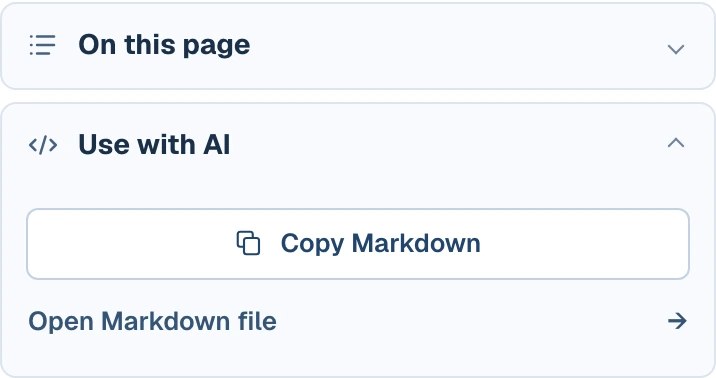
On a phone, open Use with AI. Choose Copy Markdown for the text or Open Markdown file to share its URL.
A request you can paste
My order shows No Stock for one size. Read the Peregrine articles about abnormal orders and inventory. Tell me where to check that exact variant, what evidence would distinguish a shortage from an outstanding receipt, and which facts require my signed-in account. Include the source link.
The public handbook describes platform behavior. A particular balance, shipment, claim or available quantity requires a check in the signed-in merchant account or a private support conversation. Share the minimum detail needed and keep private buyer information out of a public prompt.
Common questions
What if the agent cannot open the link?
Open the article, choose Copy Markdown and paste the text. If automatic copying is unavailable, select the provided text and copy it manually.
Can my agent watch a video to recover the steps?
Each walkthrough article includes written steps and a transcript, so a text-only agent can use the same instructions.
How do I tell whether an answer uses the current guide?
Ask for the article's canonical link and review date. Open the source and check the control on your signed-in screen before making a live change.