
Create your account and confirm your email
Register with your work email, choose how you fulfill orders, and open your merchant workspace.
On this page
Use with AI
Create an account with an email address you can open. Peregrine sends the confirmation link there before you can sign in. If you already registered while installing the Shopify app, start with Sign in.
- Create account
Use a work email you can open. The phone number needs its country code.
- Check your inbox
Open the newest confirmation message sent to that work email.
- Email confirmed
Choose Continue to sign in and use the same email and password.
Create the account
- Open Peregrine signup. Enter your first and last name, work email and phone number. Include the country code, with no spaces or dashes.
- Set a password with at least eight characters, an uppercase letter, a lowercase letter and a number.
- Under How do you fulfill?, choose Dropshipping if you source after a sale, or DTC brand if you hold stock. Review the linked terms, accept them, complete verification and select Create account.
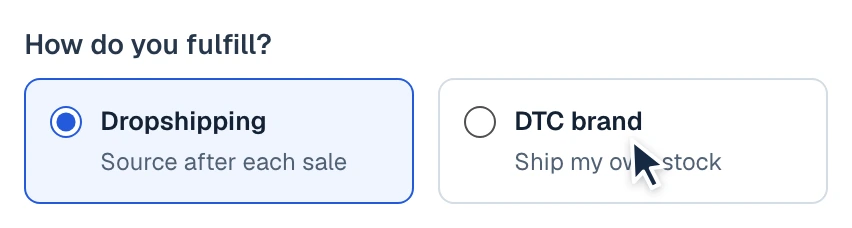
Choose the option that describes how you obtain the product for a sale.
Platform screenshot · Example dataView full size - When Check your inbox appears, open the latest confirmation email. On Email confirmed, choose Continue to sign in and enter the same work email.
Your first sign-in
Look for My stores in the sidebar. If you sell through Shopify, connect the intended store next. If your team already connected the store to another Peregrine account, contact support with the shop domain before attempting another installation.
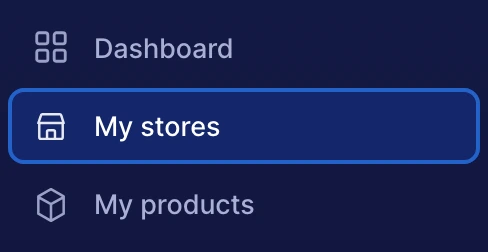
After sign-in, open My stores in the sidebar to check or connect the Shopify shop that will send orders.
Common questions
I completed the website contact form. Where is my password?
The contact form sends an inquiry to the team. A merchant login is created through signup or the Shopify app installation.
Does registration require a card?
The signup form asks for contact details and a password. You can review plans and funding separately once you have access.
I clicked a link and see “Check your confirmation link.” What now?
Open the most recent email, check spam or junk, and sign in with the registered address to request a fresh confirmation if the account is still unverified.