
Price one, two or three items in the same parcel
Use Order simulator to see what the second item adds and whether all items fit into the estimate.
On this page
Use with AI
A two-unit order can use one outer parcel. Multiplying a one-unit delivered price by two counts the first parcel's shipping twice. The Order simulator quotes a combined basket to one market.
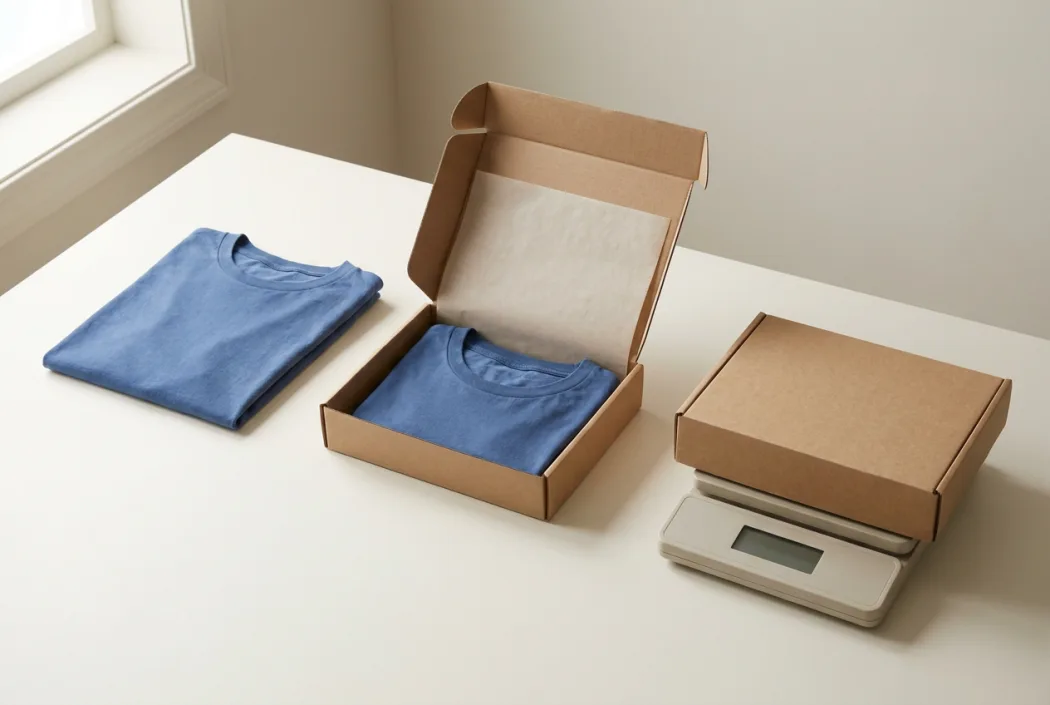
Illustration. Weigh the closed parcel with its packaging and inserts. Use the weight on your own scale and enter its unit in the calculator.
- One unit
Take the combined total for one unit. For example, $12 to the chosen destination.
- Two units
Read the new combined total. If it is $17, the second unit adds $5.
- Three units
If the three-unit total is $23, the third unit adds $6. These illustrative totals are for one parcel.
Compare an actual basket
- In Dropshipping calculator → Single search, price the first product for the destination and open its variants. On the exact priced size/color row, choose Add to Order Simulator on the right. The button changes to Added.

Select Add to Order Simulator on the priced variant itself to put that particular size or finish in the basket.
Platform screenshot · Example dataView full size - Open Order simulator and read the total at quantity one. Change Qty to two, then three, letting the total refresh each time. For a gift or a second style, add its own priced variant to the same basket.
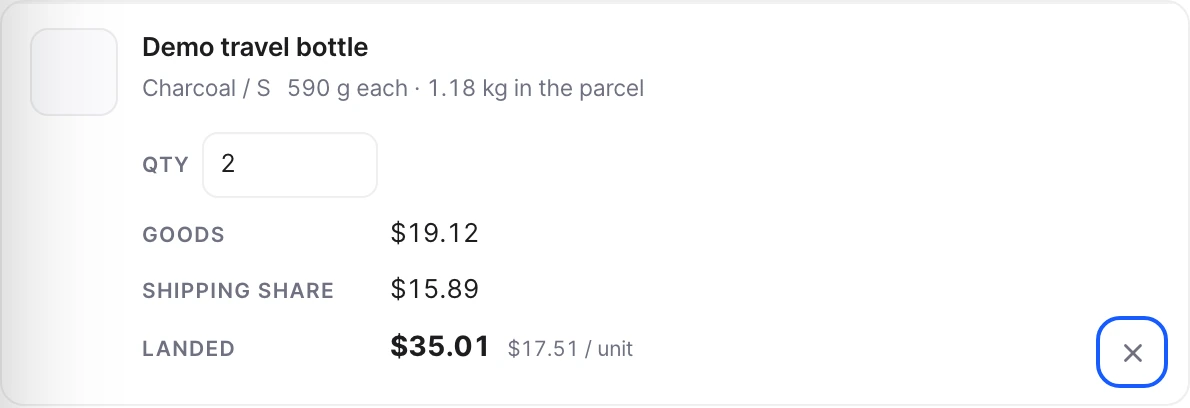
The demo bottle is set to two units. Change Qty on the intended item and allow the combined basket to reprice.
Platform screenshot · Example dataView full size - Compare the combined parcel weight, goods and shipping/service amounts. The increase between the one- and two-unit totals is the estimated extra cost of the second unit.
- Look for any item that cannot be weighed. A displayed total can cover only the priced lines. Ask sourcing for the missing packed weight and confirm the whole basket before offering a bundle.
Read the line amounts
Shipping share is each line's allocated share of one parcel. It is useful for margins. If you want a separate-parcel comparison, use the comparison shown for an eligible basket or price each configuration on its own.
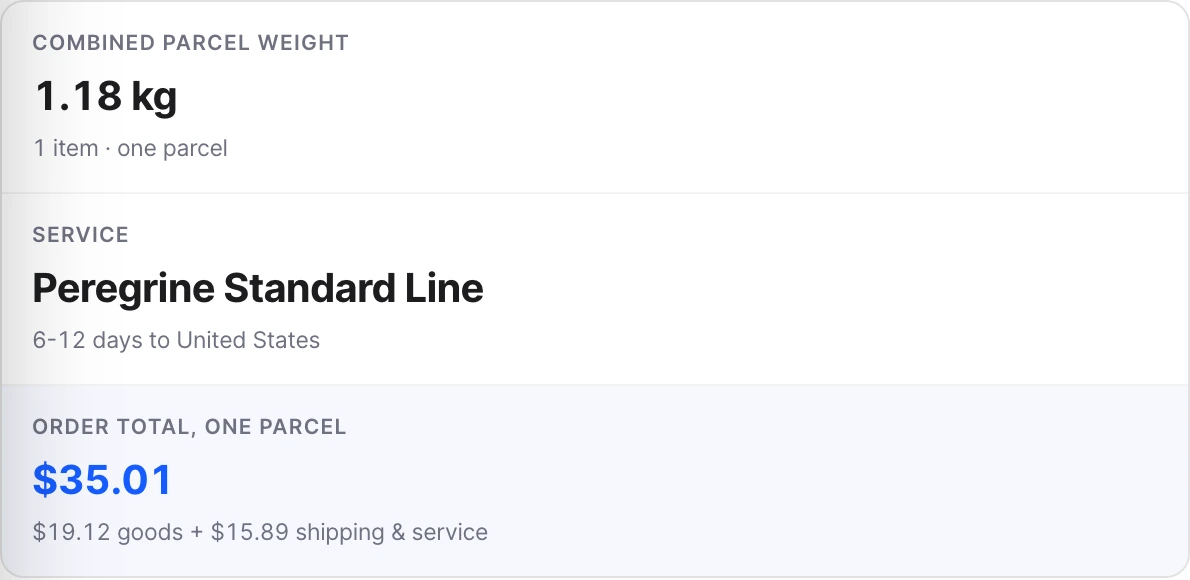
Read the combined weight and one-parcel total with the goods and shipping amounts directly below it.
If the basket opens empty
Nothing in the basket yet means the current simulator has no variants to quote. Return to Single search, calculate the product, select Variants on its result and choose Add to Order Simulator on a priced option. Return to the simulator and check the option name and quantity.
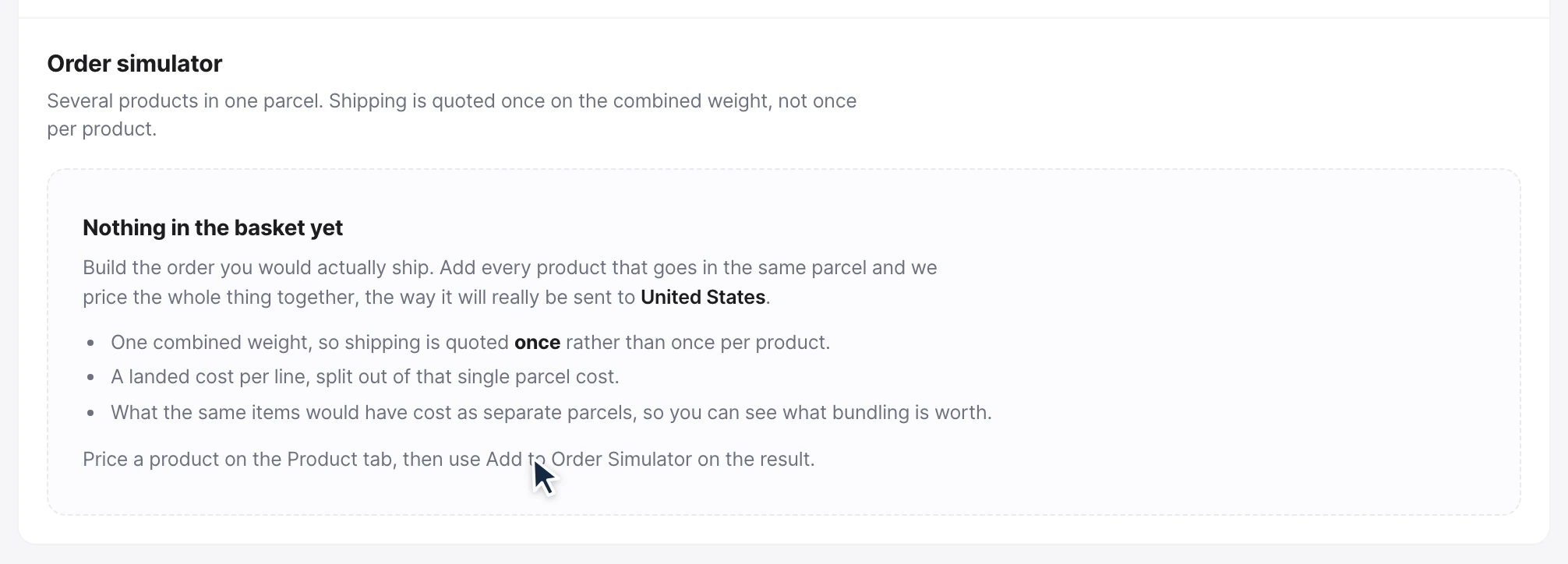
Nothing in the basket yet means that no variant is present. Price a variant in Single search and add it before comparing quantities.
Common questions
What if the gift is free to my customer?
It still occupies space and can add weight. Include the physical gift and its packaging in the parcel quote.
How do I compare gift-only, product-only and both?
Price each configuration for the same destination. Write the packed contents beside each total so the warehouse and your store can reproduce it.
Does the simulator guarantee a single box or tax-inclusive delivery?
Confirm the packed dimensions, restrictions, applicable duties and account fees for the service. The simulator does not issue packing instructions.