
Estimate the delivered cost of one variant
Compare the product and shipping amounts for a specific variant and destination before choosing a retail price.
On this page
Use with AI
The Dropshipping calculator estimates the product and shipping cost of one unit. The destination, variant and availability of a shipping quote determine which number you can use.
Open My products from the Dropshipping calculator and match the exact product and variant count before quoting it.
Read transcript
- In the Dropshipping calculator, choose Select product.
- Search your catalog for the product you need to cost.
- Check the product and variant count, then choose Quote beside that product.
- The product name is now in the calculator. Check the destination before calculating.
- Right item, wrong country
A delivered estimate for France belongs to France. Change Destination market before quoting a Canadian customer.
- Right country, wrong variant
A small and a large may have different costs. Open the variant rows and select the option the store actually sells.
- No freight figure
A product cost on its own leaves the shipping cost unresolved. Keep the delivered estimate open.
Price the item you will list
- Open Dropshipping calculator → Single search. Paste a product-page URL, upload a clear product photo or use Select product to pick from your catalog.
- Choose Destination market, then Calculate landed cost. If several options match, compare their specifications and single-unit availability.
- Open Variants on a result card or the See all … variants button on its selected result. Check the exact size and color. Look for both Product cost and Shipping to your market.
Choose Variants on the matched option before comparing the individual size, weight and shipping amounts.
Platform screenshot · Example dataView full size - Record the destination and variant beside the result. Before committing to a retail price, confirm any applicable duties, account fees, branded packaging or special shipping requirements.
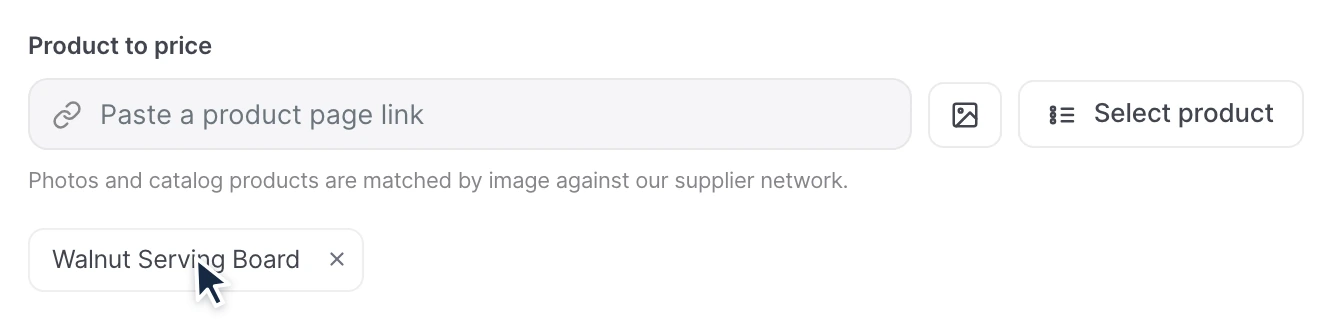
The selected catalog product is displayed beneath Product to price. Check the name before requesting its landed cost.
When no price appears
A blank shipping amount or No quote leaves the delivered cost unknown. Try a clearer main product photo for a poor match. If the product is correct and freight is missing, request a quote with the exact variant, destination and packed measurements if known.
When the customer buys two units
On the priced variant row choose Add to Order Simulator, then open Order simulator. Change Qty on that row and read the combined weight and total for the actual parcel. Price one, two or three units together
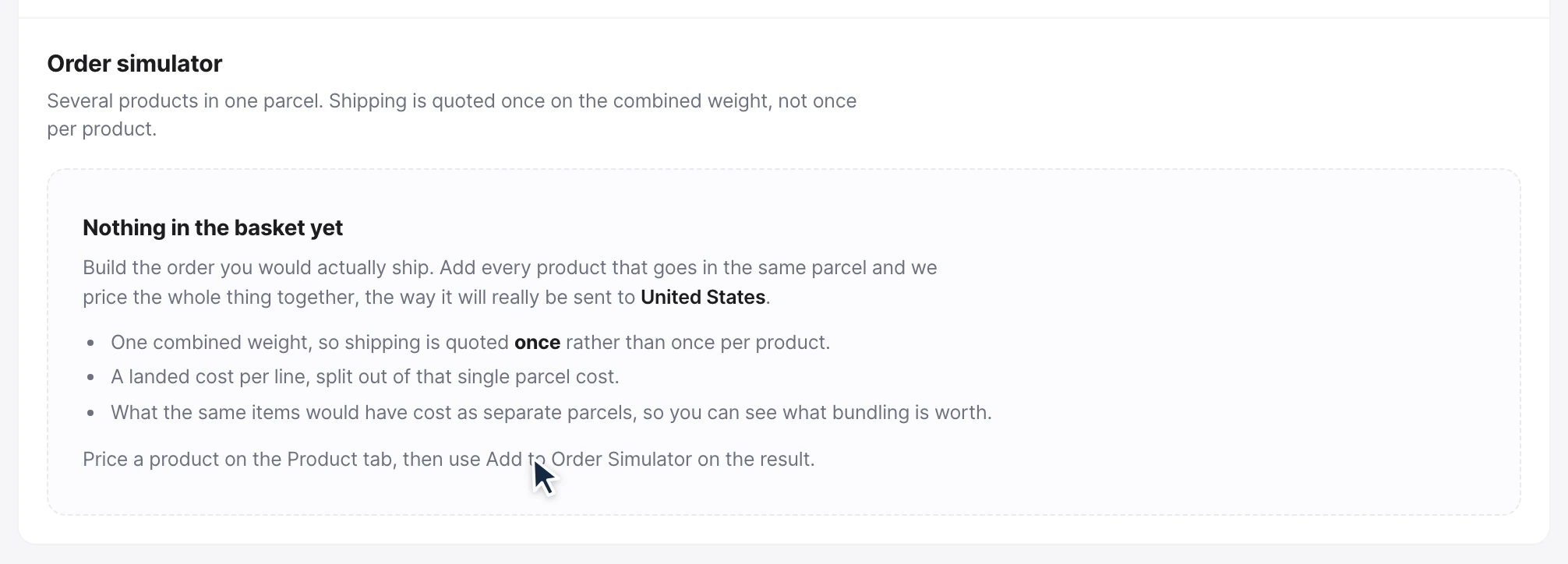
An empty Order simulator explains where to add a priced variant. Return to Single search to add its first item.
Common questions
Can I use one size's price across a whole collection?
A winter boot in two sizes can have different costs or packed weights. Inspect the results for the sizes you actually sell.
Does changing the destination change the product?
It changes the destination used for shipping. Check the total again even if the product and its photos stay the same.
Will the estimate place an order?
Running the calculator prices a scenario. Purchasing, publishing a catalog item and fulfilling customer orders are separate actions.