
Correct the quantity or contact on a sourcing request
Update an existing request, check its saved details and distinguish a correction from a new price or purchase approval.
On this page
Use with AI
If you asked for 100 units and meant 10, correct the original request promptly. The quantity can change the supplier offer, packaging assumptions and shipping. Include whether the units are for one bulk shipment or for separate customer parcels.
- Find the original
Match the product and reference before changing the details.
- Save the correction
Update the exact quantity, product information or reply contact in Edit.
- Check the row again
Reopen it, verify the value and alert the account manager if work or a priced response already exists.
Update the record
Open Quotation and enter the reference or product in Search by product, link, reference or country. Check the destination and date, click the matching row and choose Edit in the drawer footer. Change the incorrect information, such as Desired quantity, notes or contact details, then select Save changes. The screen confirms Quote request updated when the change succeeds. Reopen the same row and read back the saved quantity or contact.
For a material change, put the old and new specifications side by side in your message to the account manager. For example, “Please quote 10 navy size M units, individually packed, in place of 100 mixed units.” Add the request reference. If you need a new supporting photo and the editor does not offer a replacement for that attachment, send it against the same reference.
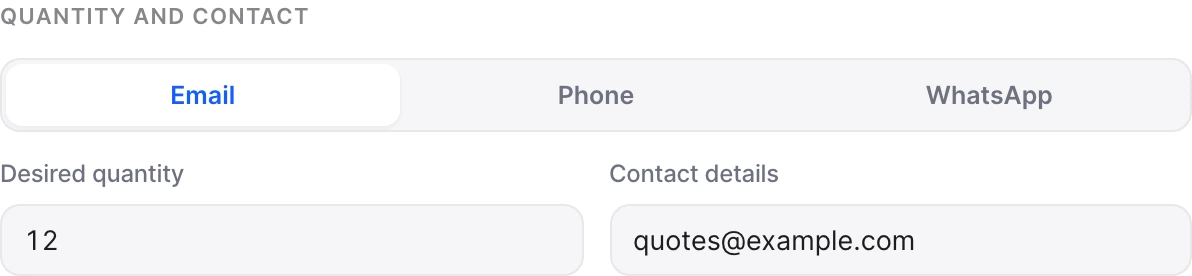
In Edit Quote Request, check the contact method and desired quantity on the same request before saving the correction.
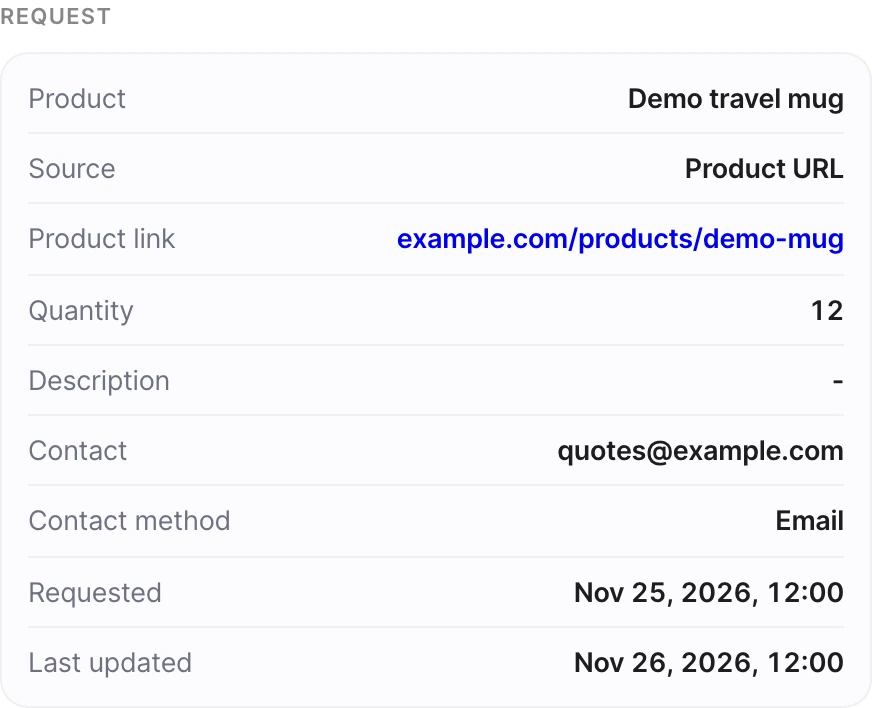
Read the stored contact in the original request, then choose Edit on that same record if it needs correction.
When there is already a price or order
Ask which written quote applies to the corrected request. If an actual purchase or customer fulfillment order has started, also give its separate order reference and ask what can still change. An edit to the quote request updates that request’s details.
Common questions
I saved but the row still shows the old value. Should I submit a second request?
Reopen the original, check whether the save reported an error, and verify the exact reference. Escalate with the old and intended values if the discrepancy persists.
My email address was mistyped. Will updating it resend the quote?
Verify the corrected contact and ask the team to resend the response there. The edit confirmation establishes that the request changed.
I want to compare two quantities, not replace one with the other. What should I write?
Ask for both quantities explicitly with the same product and destination. Specify how each batch will be packed and shipped so the two offers can be compared.