
Import or price a product when AI Product Importer shows Coming soon
Use the available link, photo or manual-product route for the result you need today.
On this page
Use with AI
If AI Product Importer displays Coming soon, that screen has no import to submit. Choose a working route based on what you are trying to produce. An estimate, a Shopify listing and warehouse stock are three different results.

The standalone importer displays its availability message. For an item you already know, use Add product → Import from link.
- Estimate a product
Use Dropshipping calculator with the product link or a clear photo and the destination.
- Prepare a store listing
Use My products and its link-import flow where available, then review the separate publishing step.
- Register stock you own
Create or sync the exact variant and create an inbound for the physical units.
For a sourcing estimate or draft listing
Open Dropshipping calculator → Single search if you want a cost for the item. Use the direct product link or a clear image and choose the customer’s destination market. Check the matched variant and shipping amount. If you need the team to match a model manually, open a sourcing request and include the specification.
For a product you intend to publish, follow My products → Add product → Import from link where available. Review the matched product and quote, then confirm store, options, names and prices in the publishing flow. If you are only comparing products, you can stop at the saved quote. Import from a product link
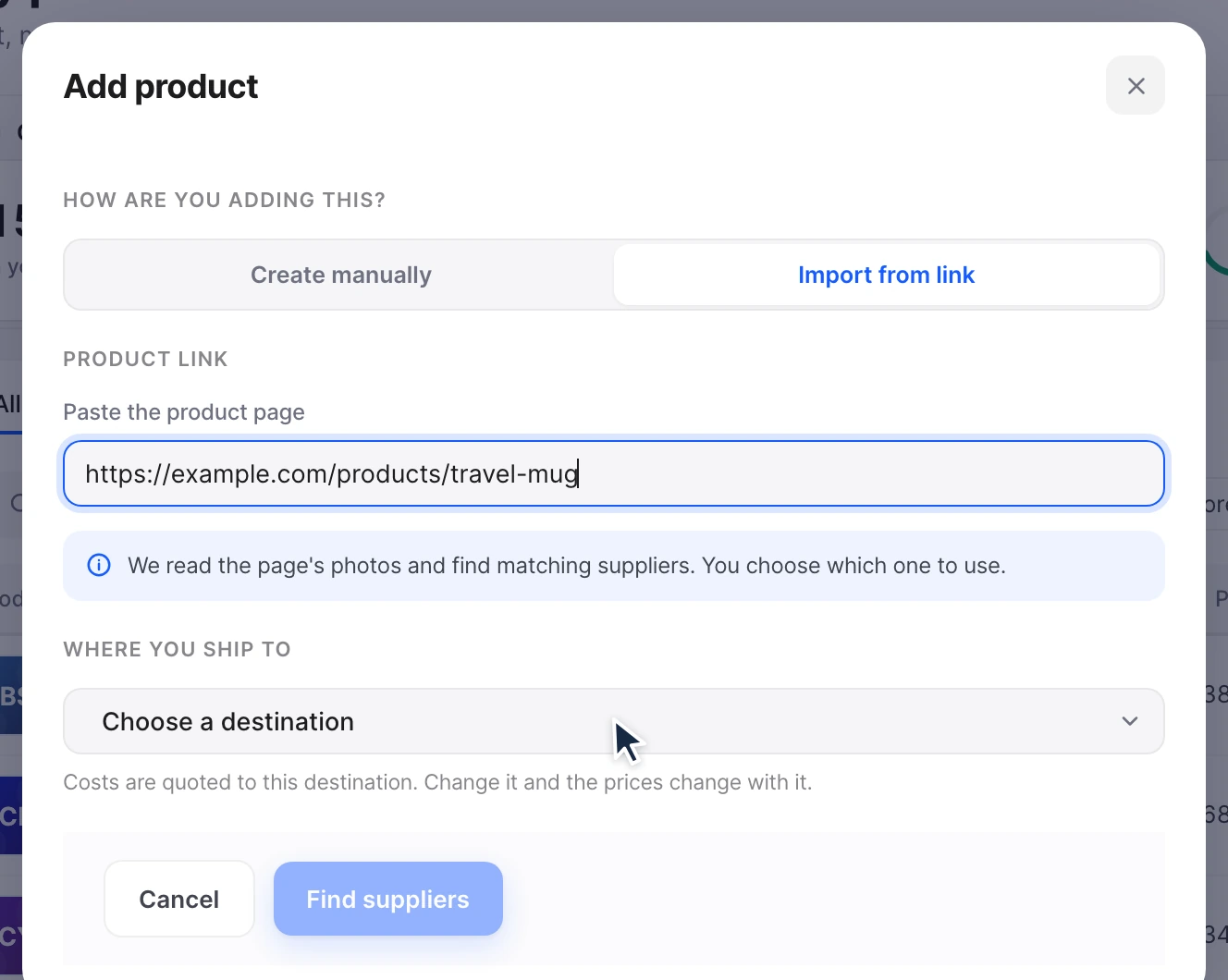
When available, My products → Add product → Import from link provides its own product-page and destination fields.

In My products → Add product, select Import from link to open the working product matcher.
For products already made for your brand
Start from the corresponding Shopify product or My products. Verify the exact variant and SKU and arrange the inbound for your own stock. A product page can establish what an item is, while a receipt establishes how many units the warehouse has available.
Common questions
Will changing my dashboard to DTC unlock the importer?
The workspace toggle changes the view. Use the availability message on the importer itself and the supported route that fits the job.
Should I upgrade a plan to remove a Coming soon message?
Check the actual availability and features for your account before paying for a plan. The Coming soon card alone does not establish a paid entitlement.
Does saving a link instantly make it available in my Shopify shop?
A saved quote and a published Shopify listing are separate records. Verify the destination store and variant list after completing the publishing review.